Why I use Umami instead of Google Analytics
You might have noticed this website doesn't have a cookie banner. That's not an oversight. I count visitors with Umami, an open-source analytics tool that runs on my own server and doesn't use cookies at all, so there's nothing to ask you about.
Here's why I chose it over Google Analytics, how I set it up, and when I'd still tell you to use Google.
What I actually want to know
Not much, if I'm honest. Which pages people read. Where they came from. Whether they're on a phone or a laptop. Roughly which part of the country they're in.
Google Analytics does all of that, and about a thousand other things I'd never look at. Umami does the handful I need, on one page, and stops there.
Why not Google Analytics
The cookie banner. Google Analytics sets cookies, and in the UK that has normally meant asking your visitors' permission first. Hence the banner on nearly every site that uses it. Nobody enjoys clicking through those, and everyone who clicks "no" vanishes from your figures anyway. So you annoy people and still get patchy numbers.
Where the data goes. With Google Analytics, information about every visit goes to Google, and can be processed in the United States. With Umami it goes to a server I run in the UK, and nowhere else. My website tells businesses to keep hold of their own data, so it would be a bit rich to hand my visitors' data to an advertising company.
It's a lot of code. I measured both on 5 October 2026. Umami's tracking script is 2.3KB. Google's standard tag for Google Analytics 4 is 155KB, about 67 times bigger. Every visitor downloads that, on every site that uses it.
GA4 is hard work. When Google replaced Universal Analytics with GA4, plenty of small businesses opened it once, couldn't find anything, and never went back. Umami's dashboard fits on one screen.
Ad blockers. Lots of people block Google Analytics without even knowing it, because their ad blocker does it for them. A tracker on your own domain gets blocked less often. Not never, but less.
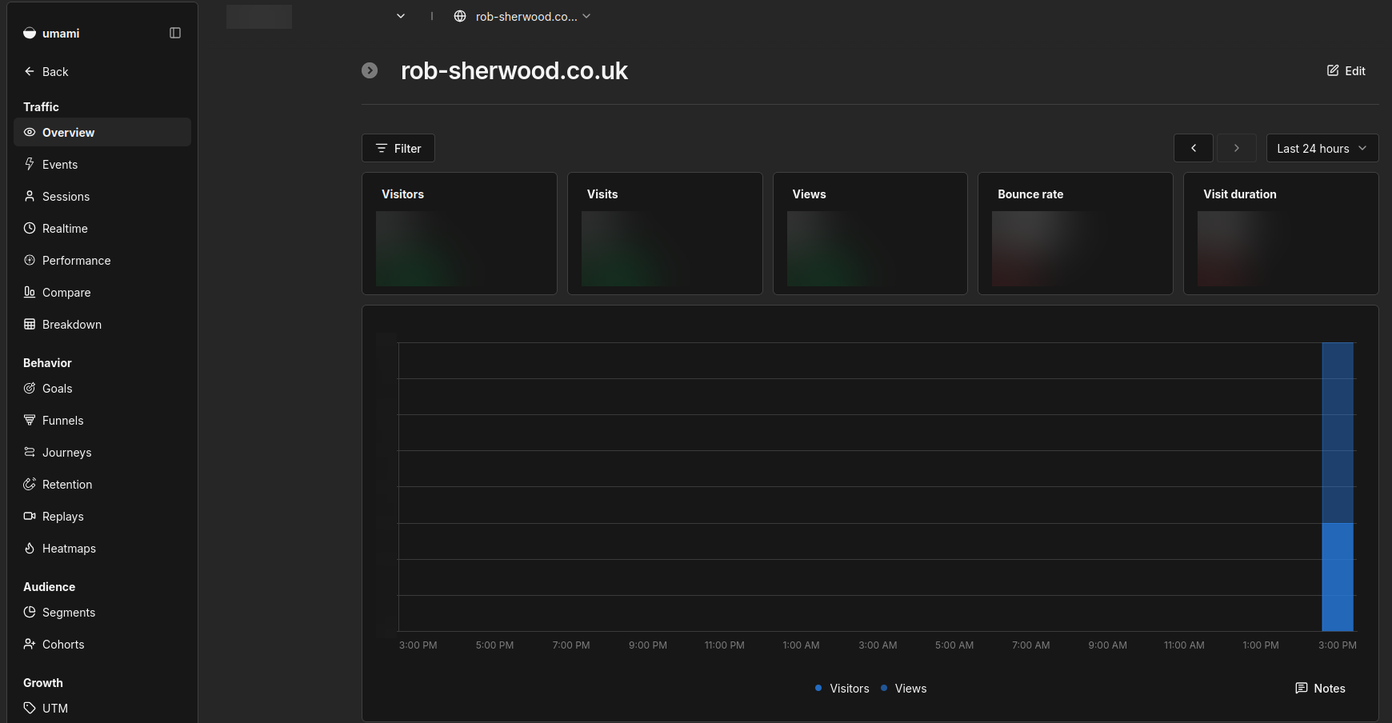
That's the whole dashboard for this site (figures blurred, because it's only just gone live).
What Umami records, and what it doesn't
It records the page you visited, the site that sent you (if any), your browser, operating system and device type, and your rough location (country, region and town).
It doesn't set cookies or store anything in your browser. It uses your IP address for a moment to work out that rough location and an anonymous visitor code, then throws the address away. The code changes every month, so visits can't be tied together over time, and it can't be turned back into who you are. It doesn't follow you around other websites.
I've also told it to ignore anyone whose browser sends a "Do Not Track" signal, and to drop anything after the question mark in a web address, where personal details sometimes end up.
The full detail is in my privacy notice.
How I set it up
For the technically minded, here's the setup. It took about an hour, most of it spent checking things twice.
- The server. The same small UK virtual server that runs this website, from Mythic Beasts. Umami and its database use about 470MB of memory between them.
- Docker. Umami and its PostgreSQL database run in Docker, with both versions pinned so nothing changes unless I decide it should.
- Locked down. Umami only listens inside the server. Apache sits in front of it at stats.rob-sherwood.co.uk with its own free Let's Encrypt certificate. I changed the default admin password through a private SSH connection before the dashboard was ever reachable from the internet.
- A clean-up job. Umami keeps everything forever unless you tell it otherwise. A small script runs every night and deletes anything more than two years old, which is what my privacy notice promises.
- Tight rules on the website. The site's security settings only allow scripts from itself and the stats address. Nothing else gets to run.
Umami is free and open source, under the MIT licence. The only costs are the server and the time to set it up and keep it updated.
When Google Analytics is still the right choice
I'm not going to pretend Umami does everything. Stick with Google Analytics if:
- You run Google Ads. This is the big one. Google Analytics ties your ad spend to enquiries and sales, and feeds that back to Google so your adverts target better. Umami can't do that.
- You need deep marketing analysis. Multi-step funnels across channels, attribution models, audience profiles. If someone in your business lives in those reports, keep them.
- You want big numbers for free with nothing to run. Google Analytics costs nothing however busy your site gets. To be fair to Umami, it has a hosted version too, and its free plan covers up to 100,000 events a month for one website (prices checked 5 October 2026). Past that it's $20 a month, and your data sits on their servers rather than yours.
For most small business websites, though, you want to know what people read and where they came from. Umami answers that without a banner, without Google, and without slowing your site down.
If you're weighing up the options, I've compared Umami with Matomo and Plausible in my review of Google Analytics alternatives.
Want it on your site?
I can set Umami up for you on a UK server, wire it into your website, sort out your privacy notice and keep it updated. If you already have a server, it can usually go on that.
Want this on your website?
Proven open-source tools for files, passwords, chat and operations, set up and looked after. No per-user fees.